
Where will the finished video appear?
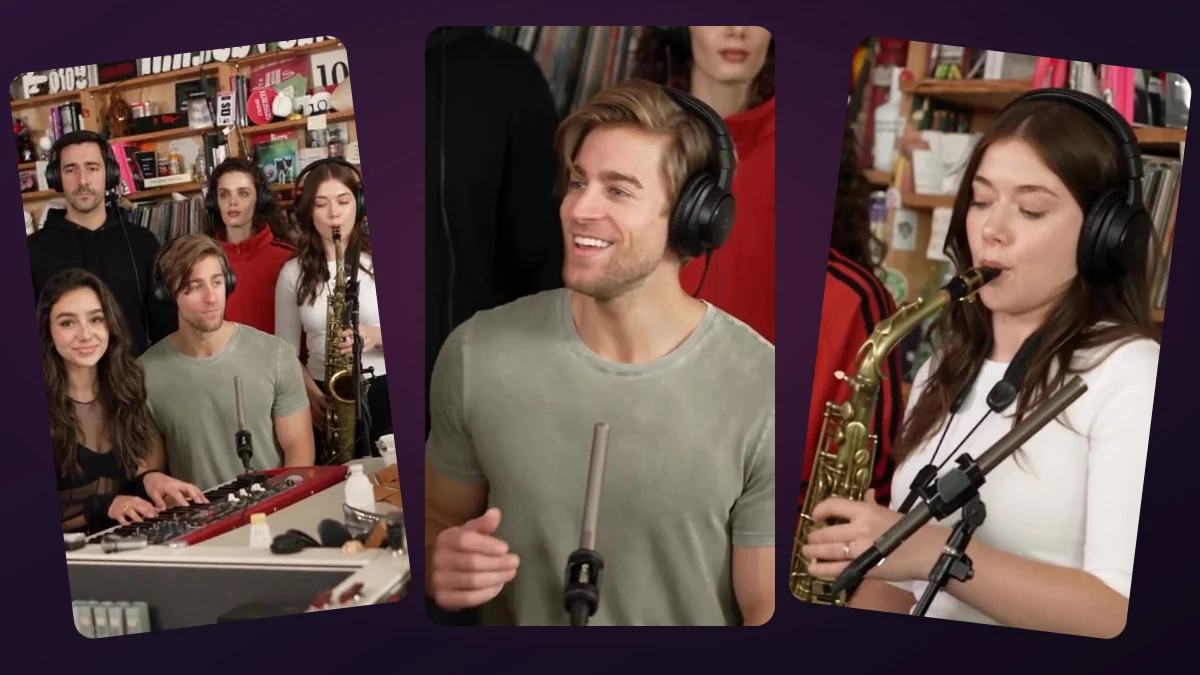
The prepared studio shows generation progress for an order and then a playable result. Completed items appear in the history grid; selecting one moves it into the main player. Download applies to the selected result.
The temporary example player is not a purchased video and does not show your uploaded face.
What if I cannot find a paid order?
Use the device and browser that completed checkout, retain cookies, and keep the order code. If an optional email was supplied and delivery was configured, check that inbox and its spam folder as well.
If the order is still running, do not submit another payment. If delivery has failed or the order cannot be found, contact support with the order reference and approximate payment time. Never share card numbers or security codes.
How do I keep the video permanently?
Save the MP4 to a device or your own storage before the access window ends. Test that the saved file plays outside the website. A bookmarked player page or copied temporary URL is not a backup.
The storage window is a maximum access period, not a promise that a browser cookie will last forever. Private browsing, cleared cookies or an expired link can interrupt access. Review the privacy and refund policies before ordering.
Explore the protagonist and optional cafe regular roles. Choose your characters, check the final price and create your own wrong-seat moment.
Try the video studio →