
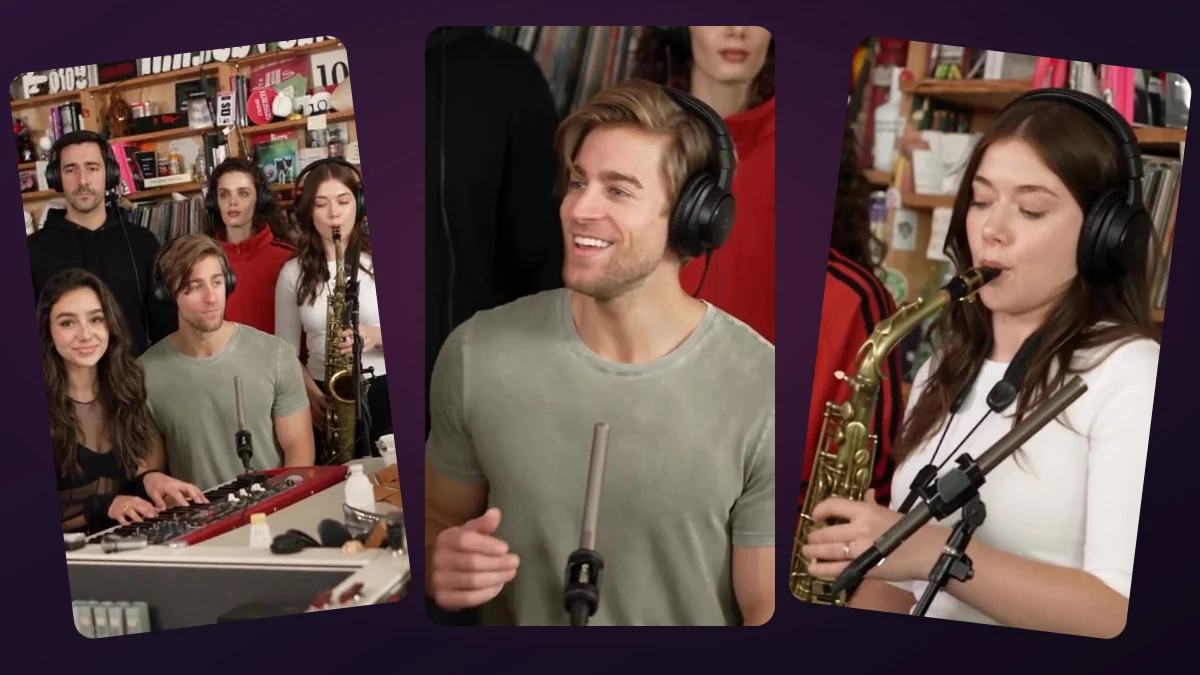
Which photo belongs in each role?
The protagonist carries the joke: a relaxed sip, a glance at the regular, an embarrassed realization and a careful move onto the bench. Place the person you want to feature in that slot.
The cafe regular is the supporting role. The regular enters, sits correctly and places a cup on a table. That action reveals the mistake without a speech or exaggerated reaction.
| Slot | Required? | Action |
|---|---|---|
| Protagonist | Yes | Sits on the table, then corrects the mistake |
| Cafe regular | No | Sits on the bench and reveals the mistake |
What if I only upload one photo?
The one-photo mode uses the uploaded identity for the protagonist and a distinct fictional adult for the regular. Leaving the second slot empty is not a request to duplicate the first person.
If your friend needs to appear recognizably, provide their separate portrait with permission. The site does not infer your friend from the protagonist photo or from a name in a caption.
Can either role be played by a woman or a man?
Yes. The two roles describe actions, not gender. Choose clear adult photos and keep the role labels consistent. Do not ask the model to infer who belongs on the table from appearance.
Avoid uploading the same face to both slots unless you intend two similar-looking characters; even then, AI may blend identities. Distinct individual photos make the role assignment easier to review.
Explore the protagonist and optional cafe regular roles. Choose your characters, check the final price and create your own wrong-seat moment.
Try the video studio →